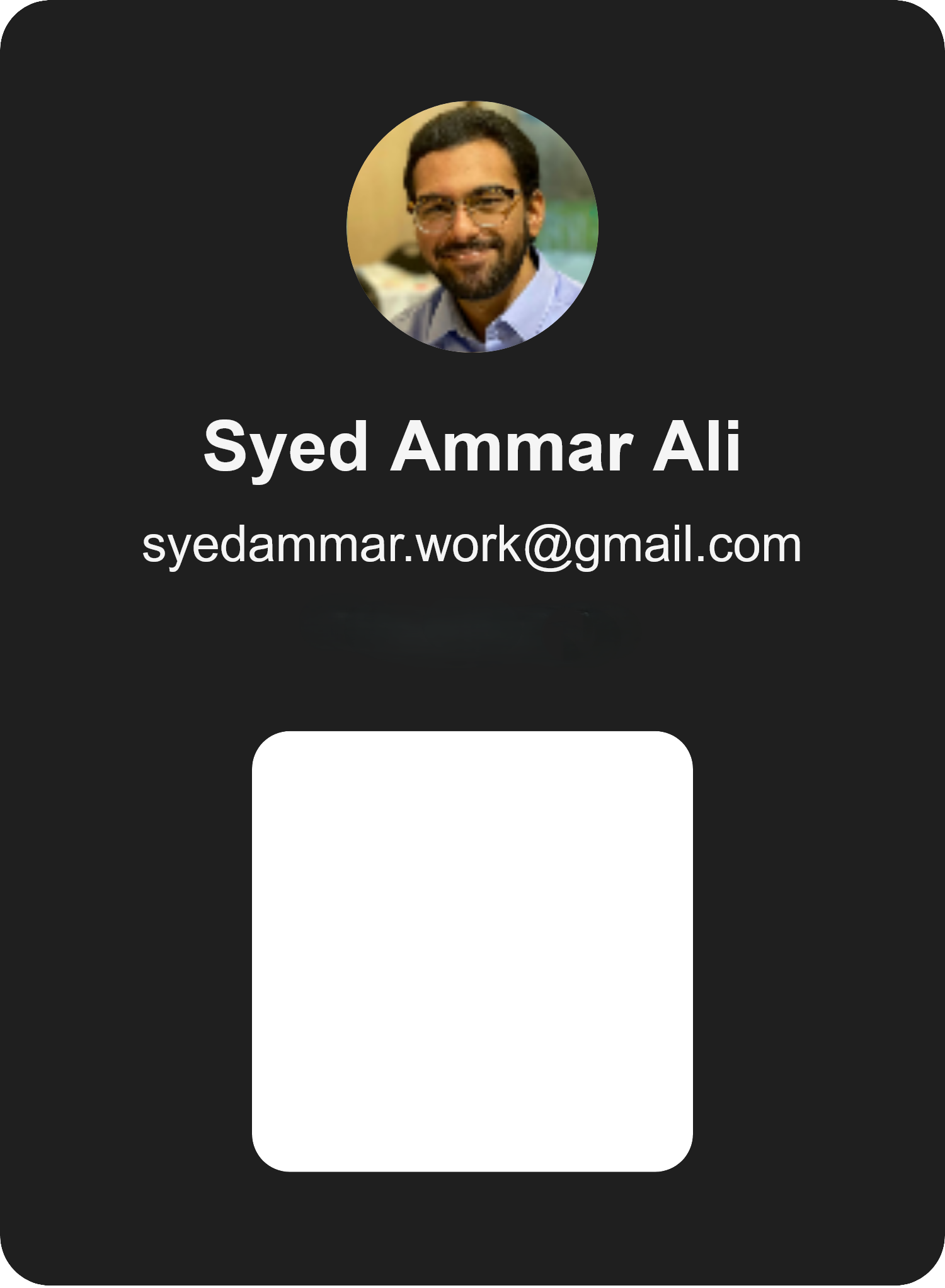
PassGen - Wallet Pass Generator
Project Overview
PassGen is a web-based application designed to allow users to create custom Apple Wallet passes from scratch. With features like live preview, cropping, color editing, and QR generation, it gives full control over the pass layout.
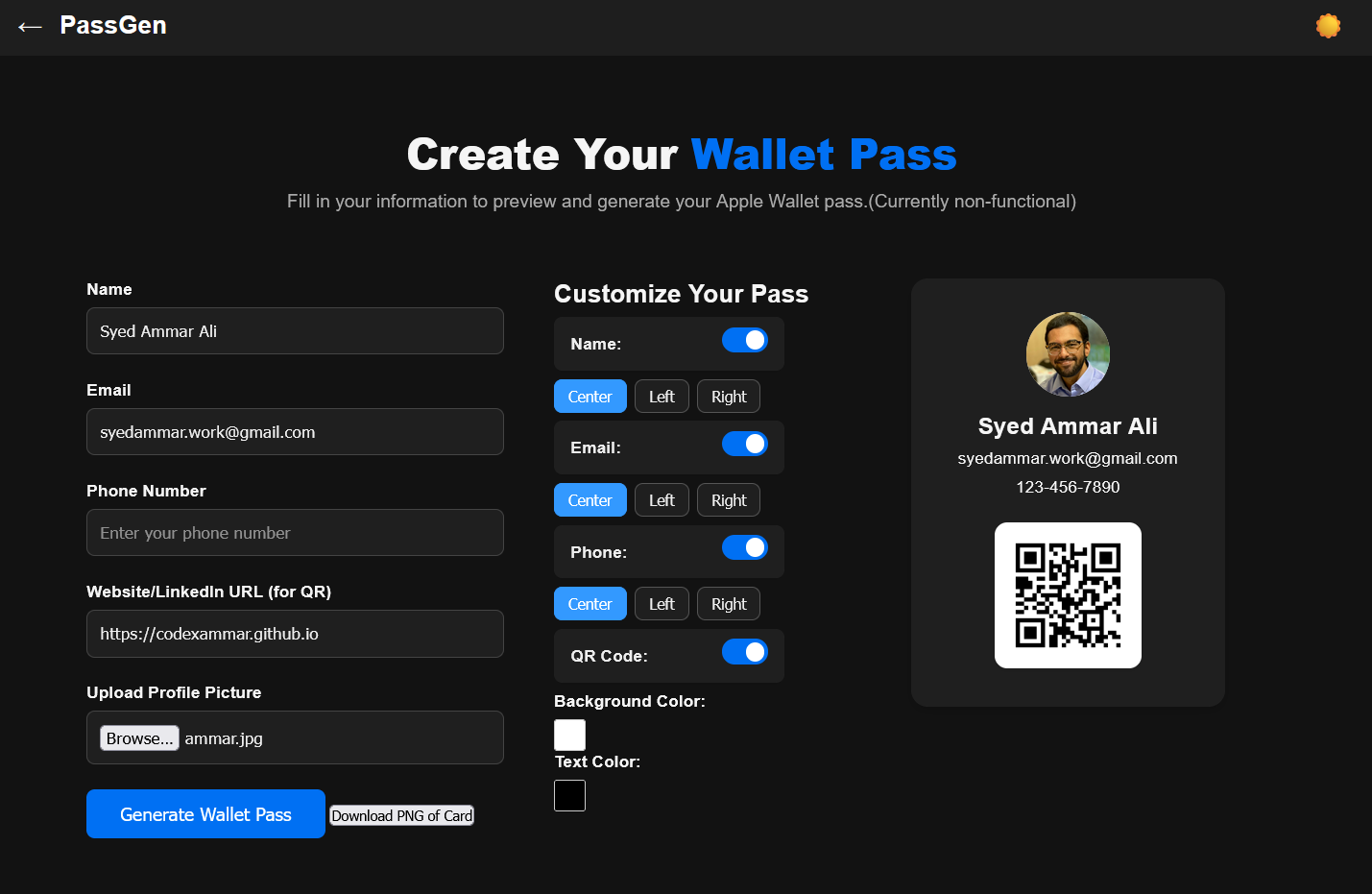
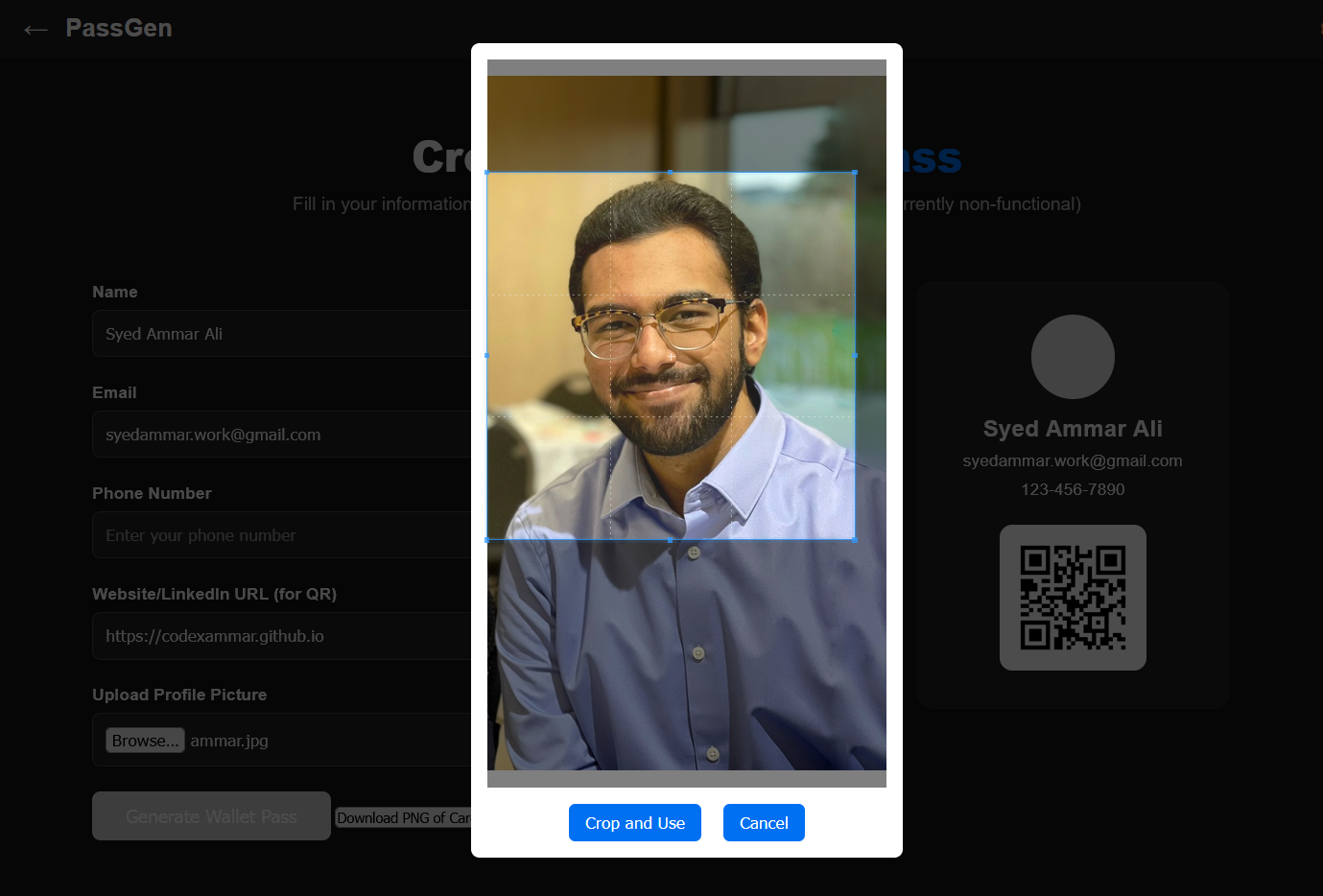
Photo Upload and Cropping
Users can upload a personal photo and adjust it inside the app using a smooth and responsive cropping tool powered by CropperJS. This ensures the profile photo appears clean and professional inside the pass preview.
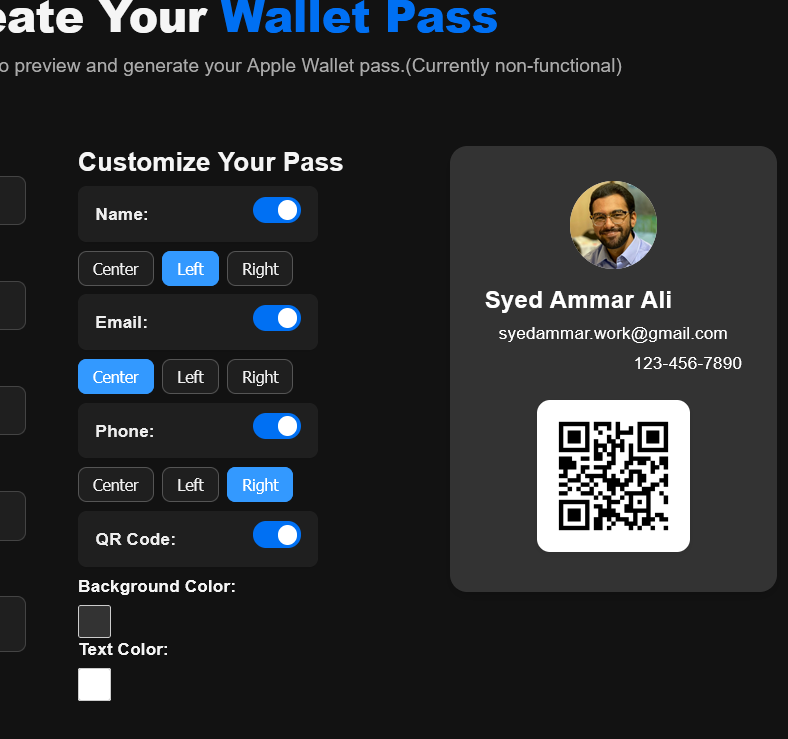
Field Alignment and Visibility
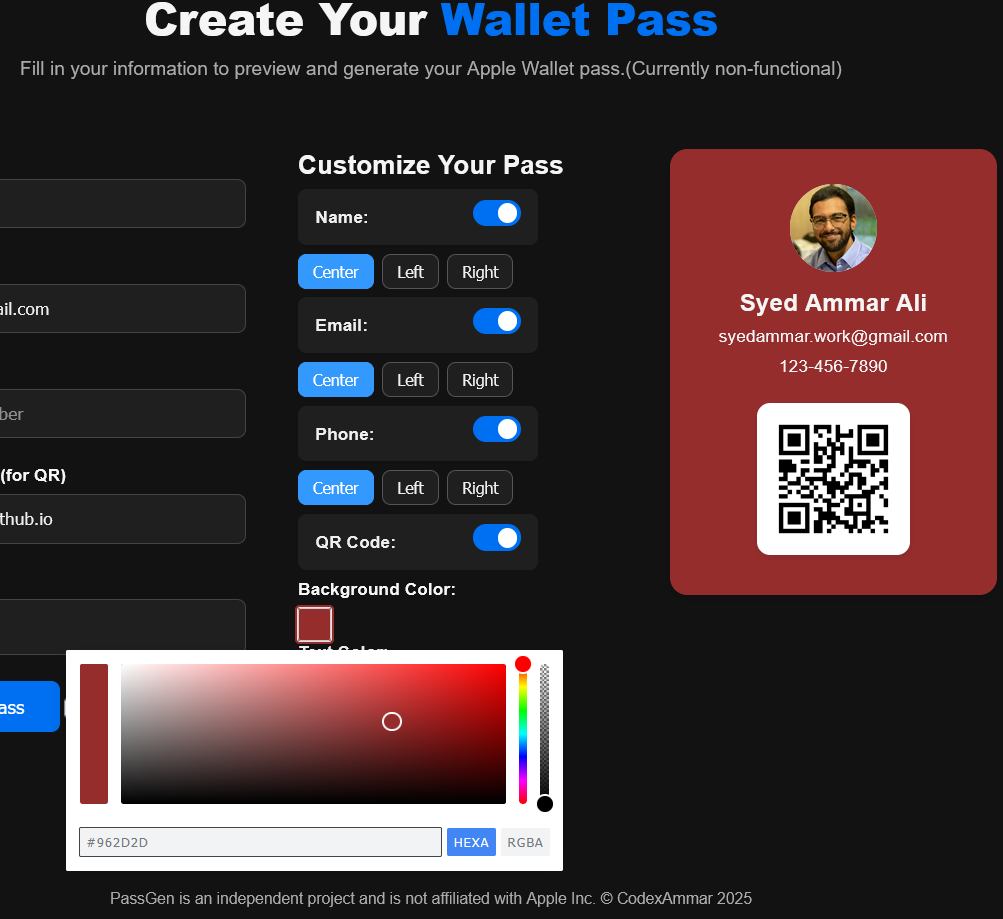
Every text field (Name, Email, Phone) can be center, left, or right aligned, giving flexible layout control. Users can also toggle visibility of each field depending on what they want to show.
Color Customization Features
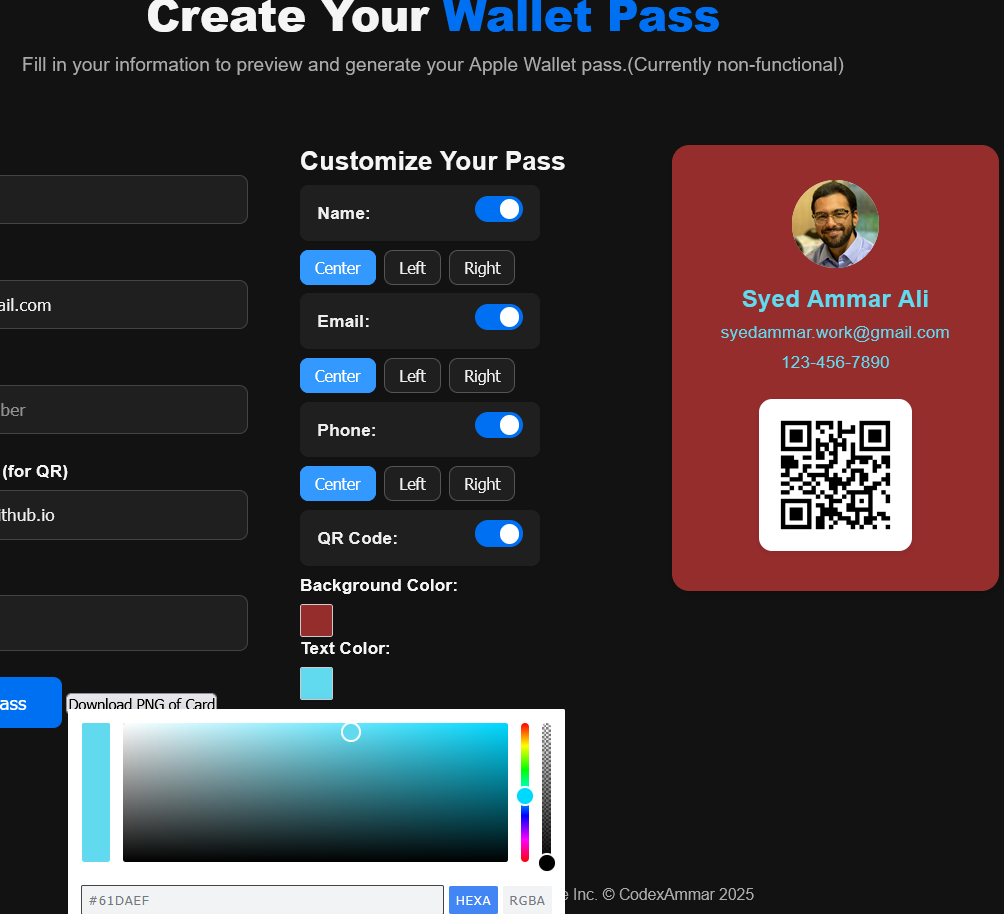
PassGen provides real-time color editing for background and text colors. All changes immediately update the preview, powered by Pickr — a lightweight, responsive color picker.
Download Options
Users can download a .pkpass file or export the generated card as a PNG image. The PNG snapshot helps users share or print the pass, while the .pkpass file is intended for Apple Wallet apps.
Limitations
PassGen currently does not support official Apple Wallet signing, so the generated .pkpass files may not be directly importable into Wallet without third-party apps like Pass2U. Additionally, QR codes are not rendered into the PNG downloads due to HTML-to-canvas rendering limitations.